 Brunner BI

Power BI April 9, 2021 · 2 min read
Changing data types that do not break query folding in Power Query / Power BI
Not all data type changes break query folding in Power Query. Here is a tested list of transformations that keep folding intact on SQL Server.
 Gregor Brunner
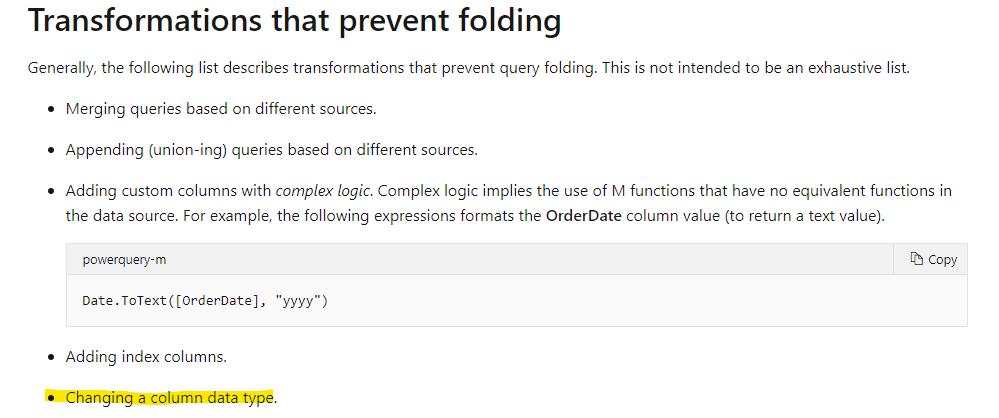
According to Microsoft’s documentation, changing a column data type will break query folding. However, this isn’t always the case — the outcome depends on your data source.
Not all changes in data types will break query folding
I tested the following Power Query data types: text, decimal, whole number, date, and datetime.
Transformations that would not break query folding:
- Decimal to text
- Whole number to decimal
- Whole number to text
- Date to datetime
- Date to datetimezone
- Date to decimal
- Date to text
- Datetime to date
- Datetime to datetimezone
- Datetime to decimal
- Datetime to text
Important note: Text to all transformations would break query folding.
The testing was performed on SQL Server 2016; other versions may behave differently. Feel free to share your own experiences in the comments.