 Brunner BI

Dataflows gets around the 3,000 cell enter data limit in Power BI
Hit the 3,000 cell Enter Data limit? Dataflows offer a 512KB paste limit instead, supporting hundreds of thousands of rows.
 Gregor Brunner
Most users encounter a frustrating limitation when attempting to paste larger tables into Power BI through the Enter Data feature.
The constraint is 3,000 cells, and this threshold has remained unchanged for an extended period.
Various creative workarounds exist online to circumvent this restriction. These range from pasting data in multiple batches and appending queries to consolidating values into a single column.
Power BI’s evolving feature set offers alternative approaches. One such solution leverages Dataflows, which provide a 512KB limit for pasted data per table.
Data Capacity Considerations
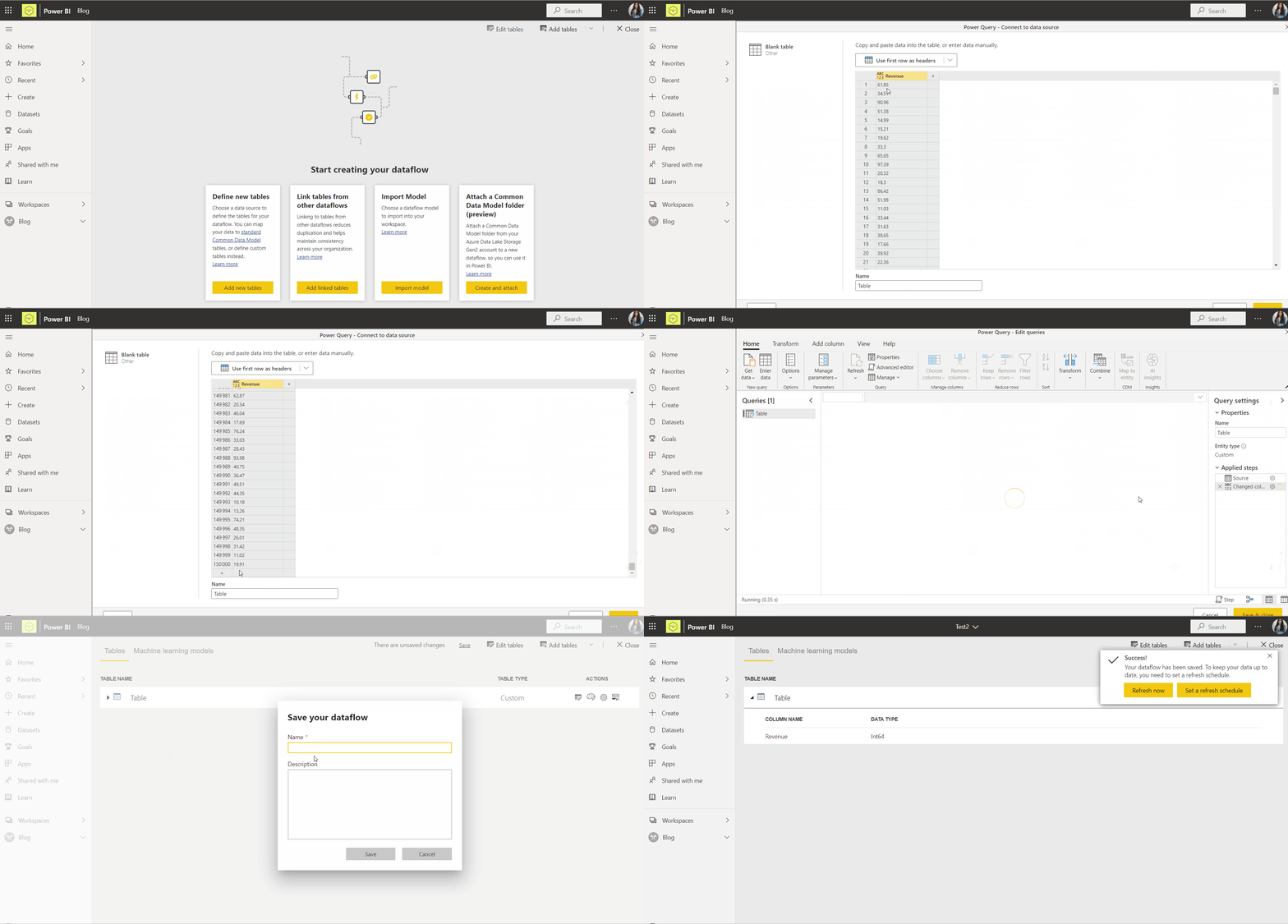
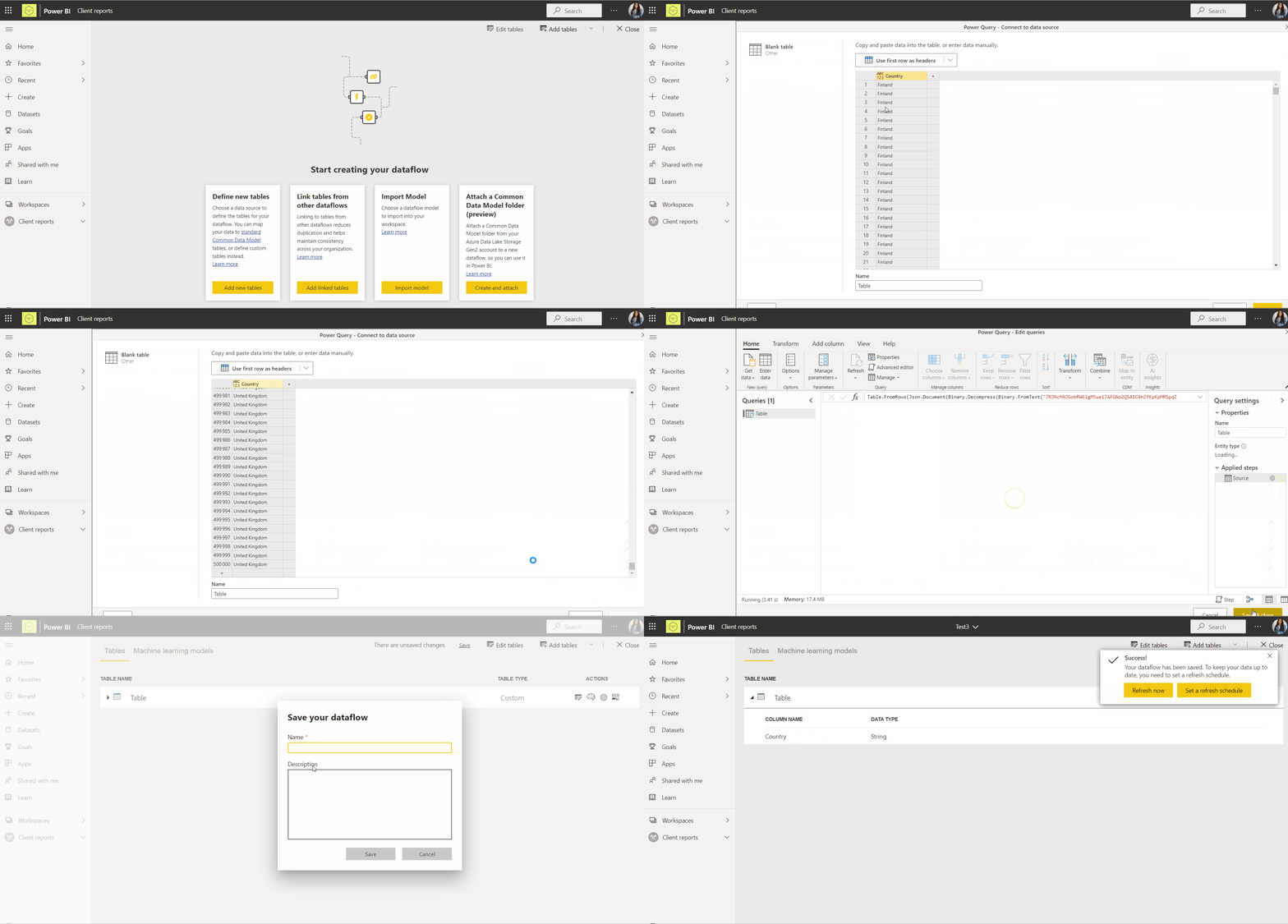
The practical capacity of 512KB varies depending on your specific dataset characteristics. Testing conducted with numeric and text values reveals substantial capacity.
512KB can accommodate hundreds of thousands of rows when working with numbers or non-distinct text values.
Users must select “save & close” to trigger validation of the size constraint.
Visual Examples
Pasting a large number of text values into Dataflows:
Pasting decimal values into Dataflows: