 Brunner BI

Tutorials April 5, 2022 · 2 min read
Exporting data from Power BI Desktop without limits
Power BI limits CSV exports to 30,000 rows and Excel to 150,000. Here is how to bypass those limits using DAX Studio.
 Gregor Brunner
The platform imposes restrictions on exporting capabilities. According to official documentation, the maximum number of rows that Power BI can export to a .csv file is 30,000 and to an .xlsx file 150,000.
However, users can circumvent these constraints by leveraging DAX Studio, a third-party tool.
Steps to Export Without Limits
- Open DAX Studio
- Connect to your model
- Insert this code into the main window:
// My Query
EVALUATE( myTable )- Navigate to Output and select “Static (Excel)” for .xlsx format or “File (Standard)” for .csv
- Click Run or press F5
Performance Examples
Excel Export (.xlsx):
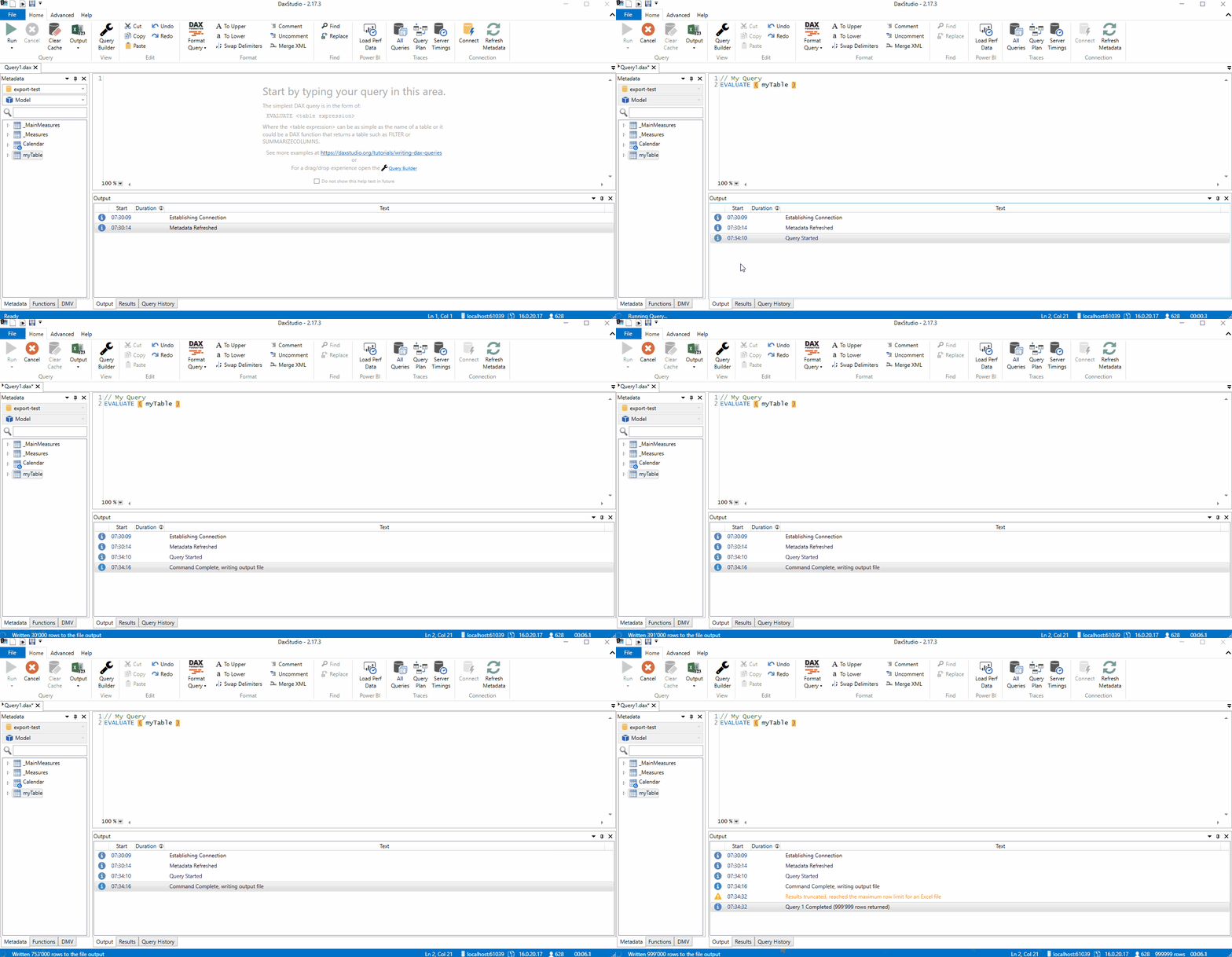
1M rows resulted in 45MB (compressed format), requiring approximately 30 seconds.
CSV Export (.csv):

All 15M rows exported to 1.3GB uncompressed file in 3.5 minutes.