 Brunner BI

How to force users to select a filter in Power BI while keeping the report interactive
A DAX-based approach to enforce filter selection in Power BI reports without sacrificing visual interactivity, using transparent formatting instead of overlay text.
 Gregor Brunner
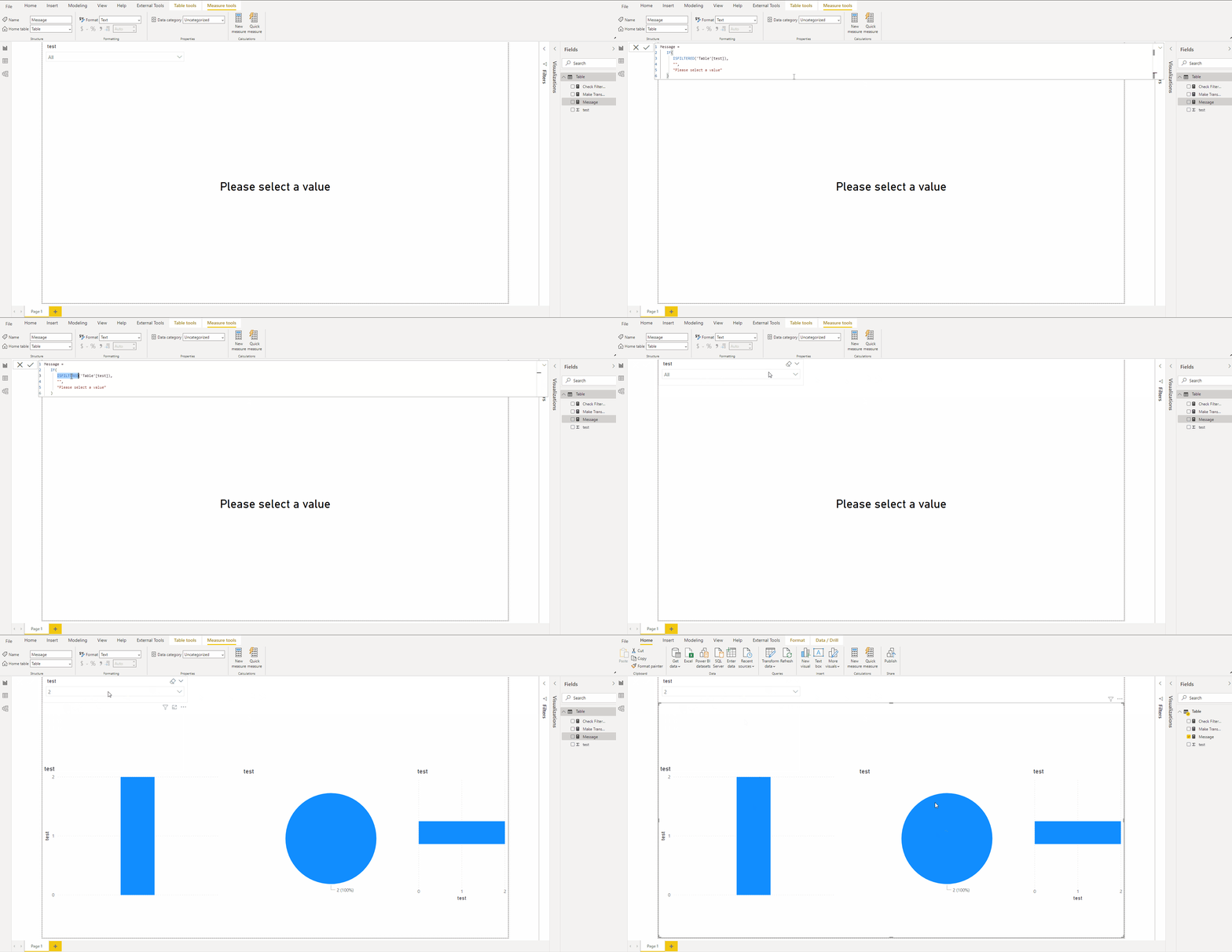
One of the clients recently requested assistance with enforcing filter selection requirements.
The Original Approach
The client’s initial implementation used ISFILTERED instead of HASONEVALUE. None of their users should be allowed to select multiple values, with ISFILTERED this is possible though.
The Problem with Standard Solutions
The common workaround found in Power BI communities involves placing a text message (as a visual) atop other visuals. However, this creates a critical issue: your visuals will not be interactive anymore because this empty visual still sits on top of your report.
The Proposed Solution
My approach makes the visuals transparent rather than the warning text. This maintains interactivity while preventing data display without proper filtering.
Trade-off acknowledged: Axis labels and titles remain visible until users make correct selections, but my visuals are interactive and that is more important!
Implementation Code
Warning = IF(
    HASONEVALUE('Table'[column]),
    "",
    "Please make sure you have selected one value in the filter"
)

SUM = IF(
    HASONEVALUE('Table'[column]),
    SUM('Table'[column]),
    "#FFFFFF00"
)
The hex code #FFFFFF00 renders transparent white, effectively hiding visuals until filter conditions are satisfied.