 Brunner BI

Getting all user and security group access permissions across a Fabric Tenant
Learn how to gain full visibility into user and security group permissions across your Microsoft Fabric tenant using APIs or Measure Killer.
 Gregor Brunner
In Microsoft Fabric environments, managing access permissions has become increasingly complex. The platform offers extensive controls at both item and workspace levels, creating challenges for administrators seeking comprehensive visibility.
Overview of Access Management Challenges
There are several approaches to gaining visibility into user and security group permissions across a Fabric tenant. Three primary objectives are identified:
- Determining which users have broadest access to Fabric items
- Understanding workspace-level access across different workspace types
- Creating detailed inventories of individual user or group permissions
Available Solutions
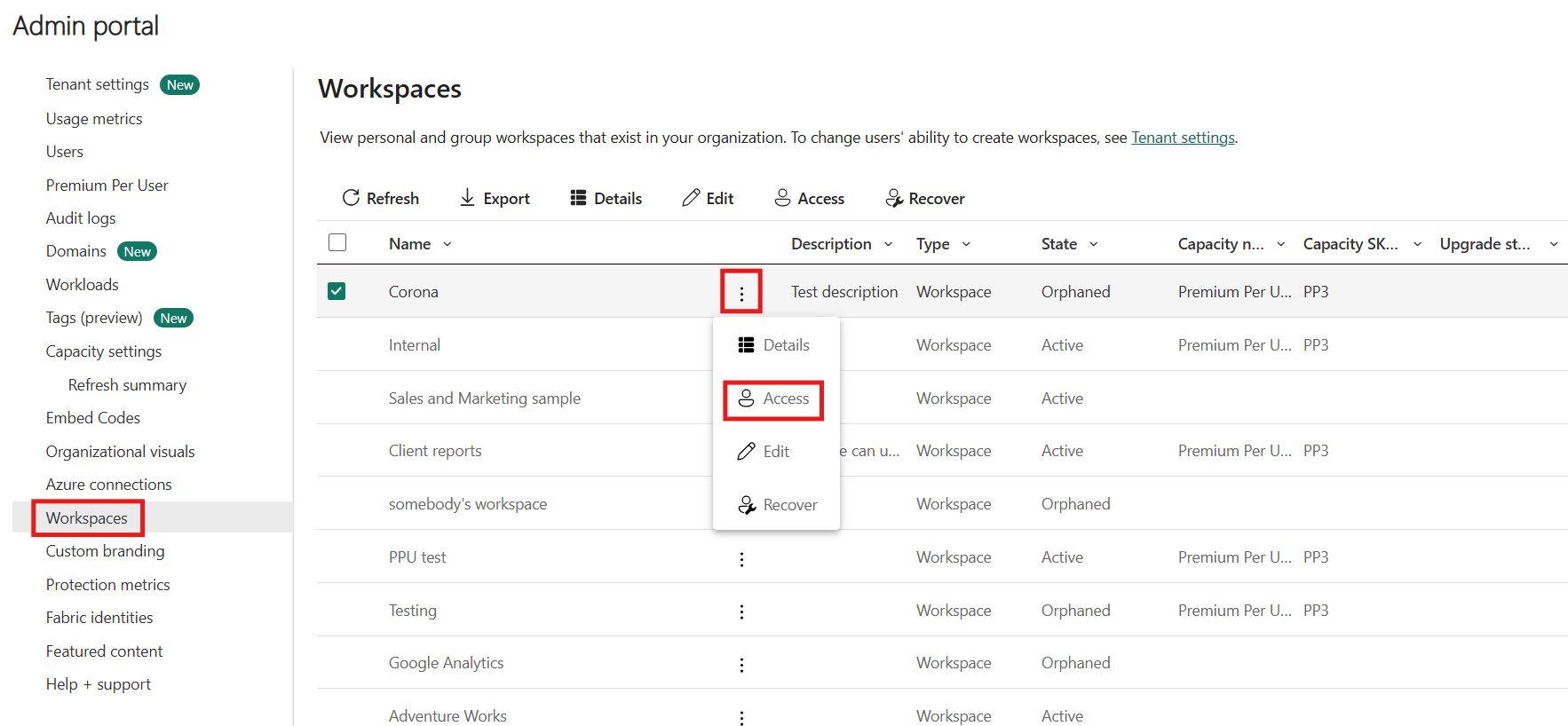
Manual Approach via Admin Portal
The administration portal allows viewing access permissions for individual workspaces, though this remains a tedious manual process when managing larger deployments.
API-Based Automation
The PostWorkspaceInfo API endpoint enables programmatic access retrieval. The getArtifactUsers parameter can extend this to include item-level permissions, though administrators must write custom code to iterate through workspaces. A notable limitation: Personal workspaces cannot be queried through this method.
Measure Killer Tool
Measure Killer is a third-party solution that eliminates coding requirements. Key advantages include accessing Personal workspace data that APIs cannot retrieve and delivering formatted results without manual iteration.
Measure Killer Implementation
Setup Process
Users select “Tenant Analysis” mode from the tool’s starting interface, authenticate, apply appropriate filters for their tenant size, and ensure the Access tab is selected before initiating analysis.
Available Views
The tool presents multiple perspectives on access data:
- User/Group Level: Shows all supported Fabric items accessible to specific users or security groups
- Workspace Level: Displays access patterns across different workspace categories
- Item Level: Reveals direct and indirect access to semantic models, reports, and other artifacts
Governance Insights
The tool highlights a particularly valuable governance feature: identifying instances where users have received access to reports in others’ personal workspaces. This visibility into “Shadow BI” activity addresses a critical gap since administrators typically lack visibility into personal workspace sharing practices.
Export and Analysis Options
Results support both custom searches and exports to JSON or Excel formats. Exported data can be further analyzed using Power Query in Excel for deeper insights, or shared as comprehensive JSON files for collaborative review.
Limitations
The tool cannot enumerate security group memberships directly, as this information resides within Microsoft Entra and cannot be accessed through Power BI APIs. Administrators can supplement Measure Killer output with separate Entra group membership data to achieve complete visibility.